
The picture inside your Helpcenter dashboard is your knowledge base's Favicon. To change it, go to Settings › Knowledge Base › Knowledge bases, select your knowledge base, then open the SEO tab.
Upload the Image
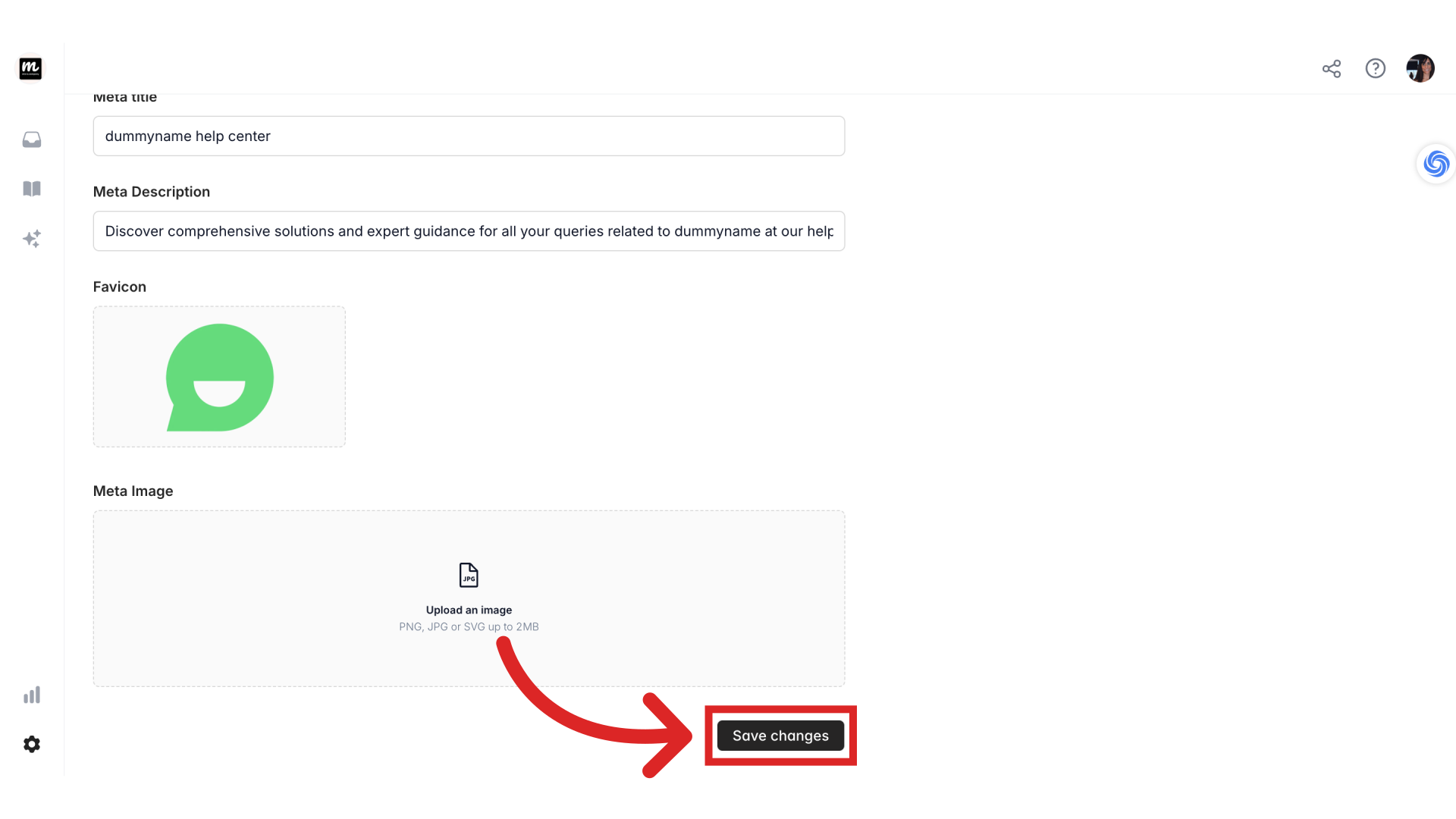
In the SEO tab, upload a new image under Favicon. Ensure the favicon is in PNG, JPG, or SVG format and does not exceed 2MB in size.
Save Changes
After uploading your new favicon image, make sure to save the changes by clicking the Save changes button.
Verify the Update
It's a good idea to verify that your favicon image has been updated successfully. Refresh your dashboard to see your new help center icon on the top left corner.

Was this article helpful?
Still need help?
Contact us