
Your knowledge base can be displayed in two different layouts depending on the browsing experience you want to provide. Whether you prefer the Classic layout with categories displayed on the homepage or the Documentation layout with a navigation sidebar, you can switch between them at any time.
Change your knowledge base layout
To enable the documentation layout, open your dashboard and click the gear-shaped Settings icon. Under Knowledge Base, select Design.
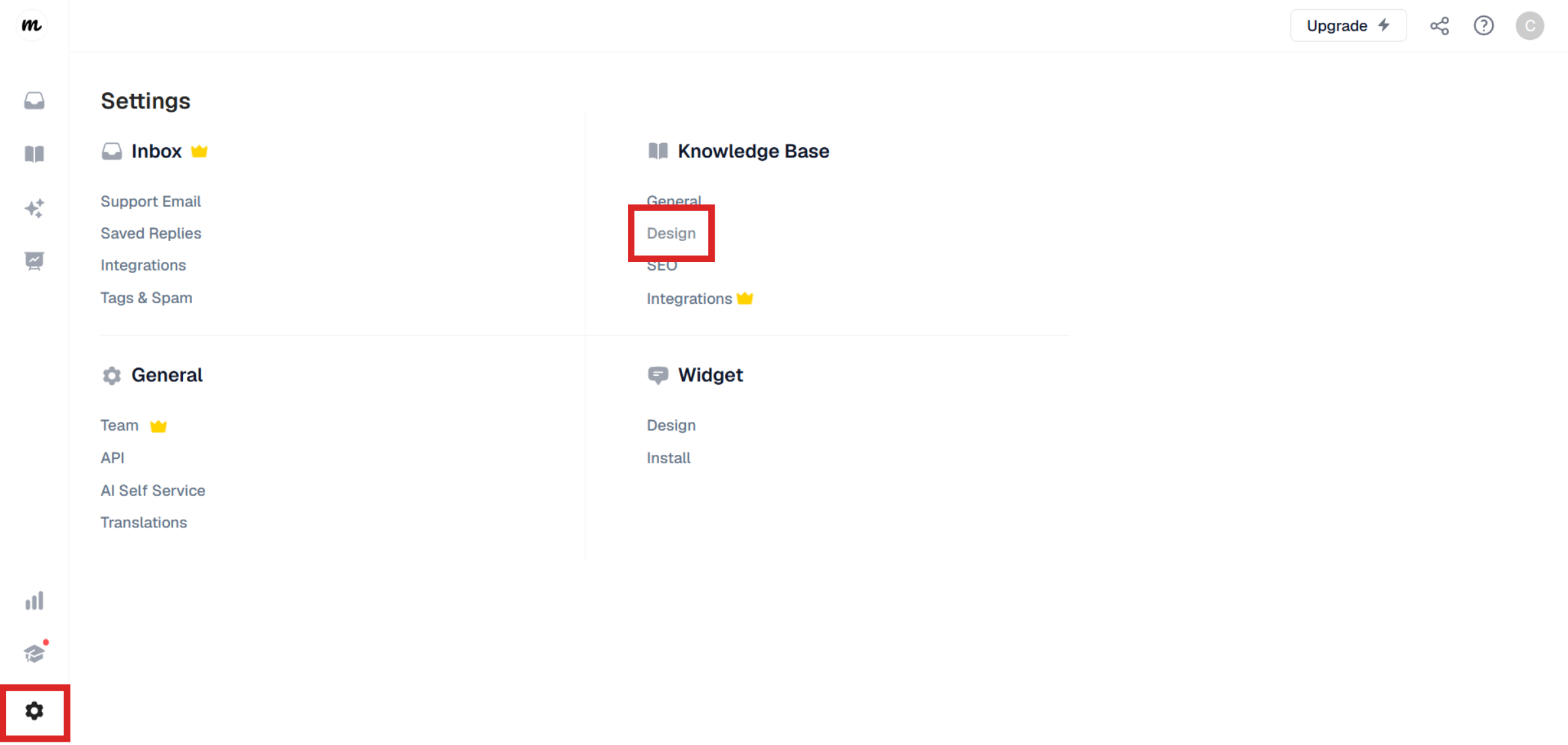
In the Layout section, choose the layout that best suits your needs. Classic displays your knowledge base in the traditional homepage layout, where visitors browse categories before opening articles.
Documentation displays your categories in a navigation sidebar on the left, making it easier for visitors to browse articles without leaving the current page.
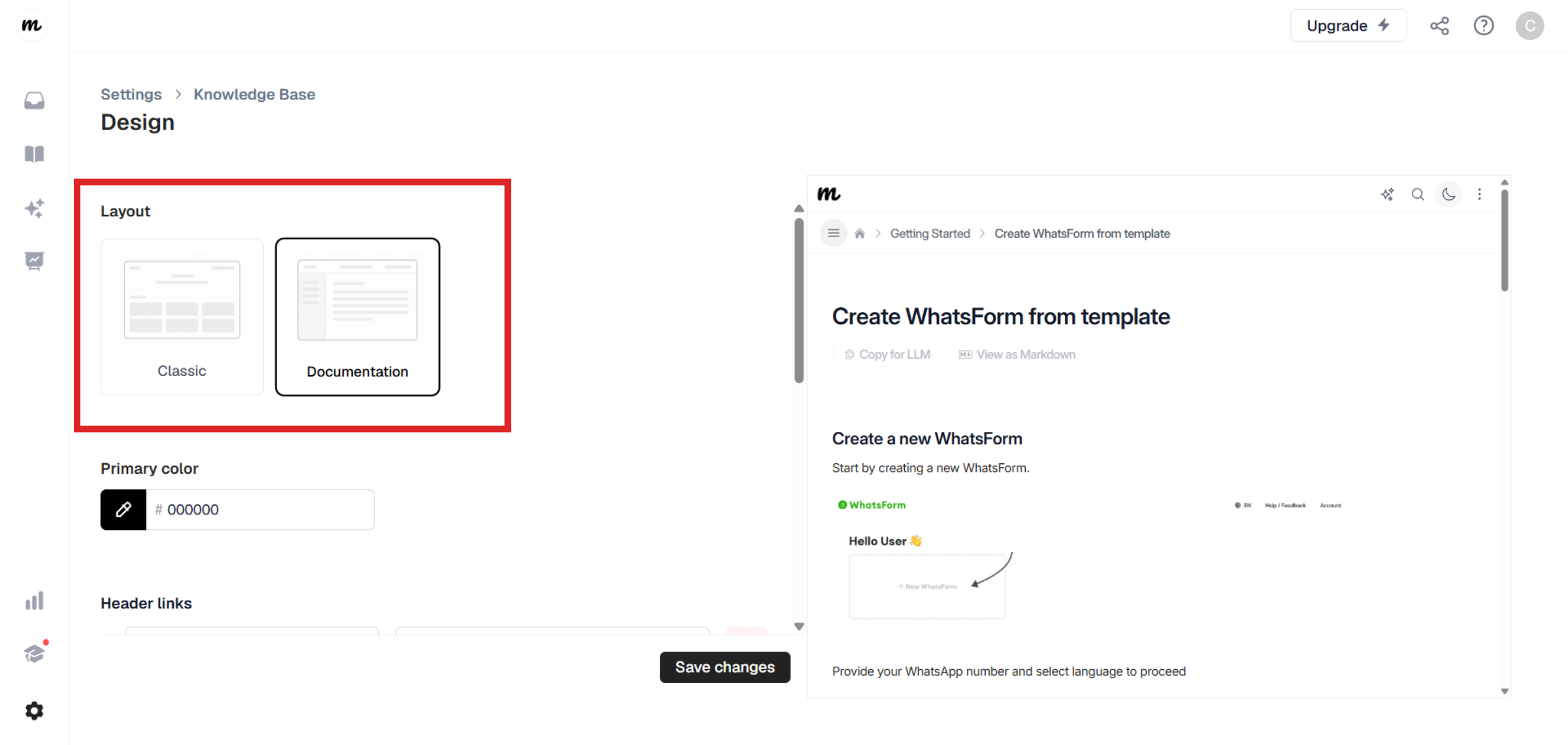
Don't forget to click Save changes once you're done.
Still need help?
Contact us